




360 review
Our 360 reviews got an update! Since launching the first version, we've gathered valuable feedback from our users and the pattern has been clear. Many have had similar needs and wishes, which has given us a clear direction for how the feature should develop. The focus has been on making the process more intuitive, flexible and user-friendly.
Design updates for better overview
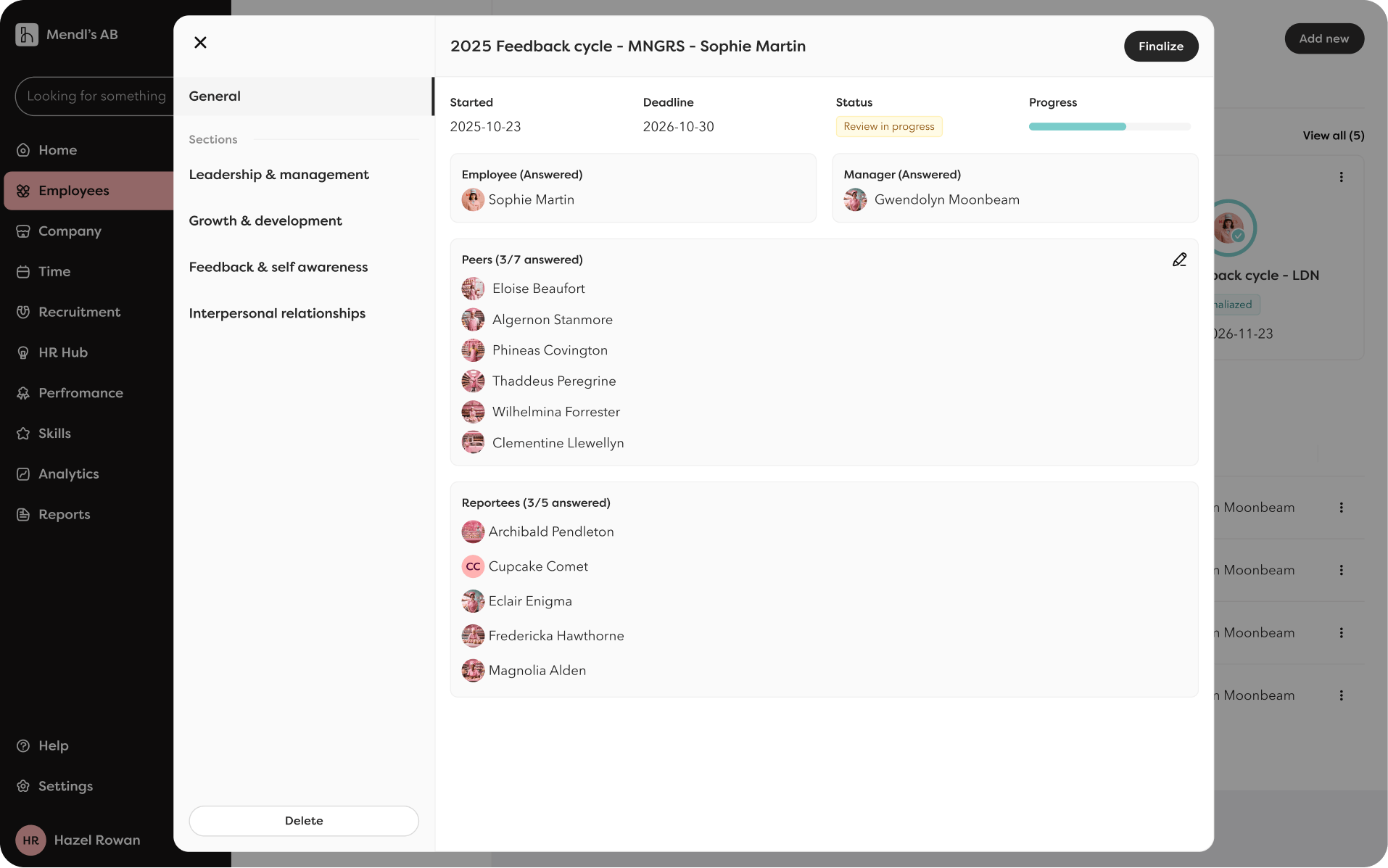
- You now see which people are involved in a 360 review, not just how many.
- The results are displayed more clearly, with fewer clicks. You can open entire sections in one view.
- The progress indicator is clearer, so you always know where you are in the process.
Flexibility in choosing peers
- The manager can now choose to skip the step where peers are adjusted.
- It's possible to change peers in the middle of the process. Useful if someone becomes ill or if you've forgotten to include someone. Adjustments can be made at any time during the process.
Better control
Previously, the 360 review was locked when the meeting started. Now we've split up the process to create more flexibility:
- Close the review when you're ready, then it's locked and no more responses can be submitted.
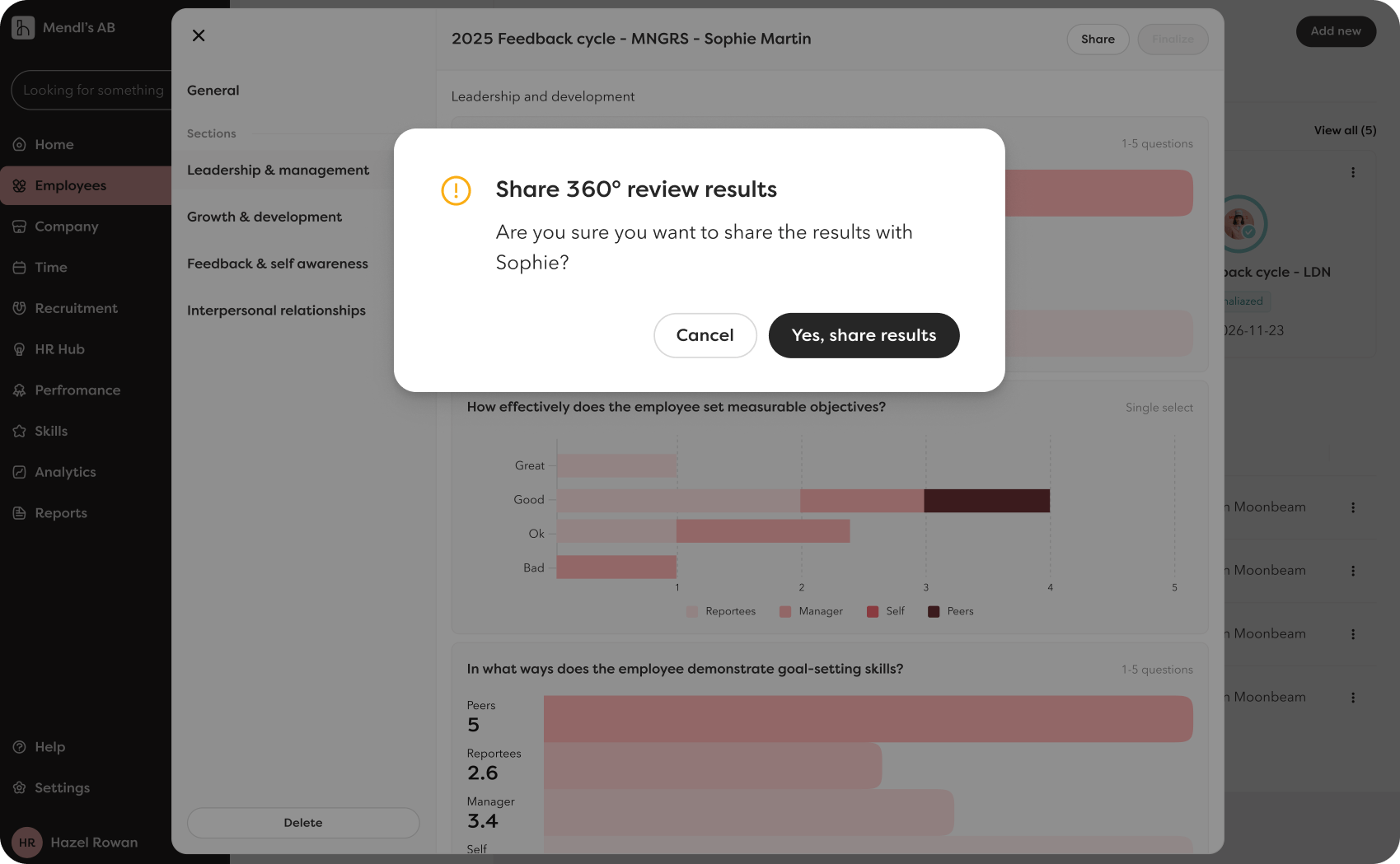
- Share the responses with the employee when you've gone through them and are prepared for the conversation.
This means the feedback gets the right context and the conversation becomes more valuable.
Notifications that keep you updated
- The manager receives a notification when the response rate reaches 100%.
- The employee receives a notification when the results are available.